

SimHub
The SimHub plugin
How the Pitrig plugin feeds your board with live data from the game, and what to check when nothing moves.
SimHub is a free Windows program that reads telemetry from almost every racing game. The Pitrig plugin runs inside it: it finds your Pitrig boards on USB and sends each one the values its dashboard and LEDs show — speed, gear, revs, lap times, fuel, flags and the rest. There is no profile to import and no port to pick (the Guition ESP32-4848S040 needs one connection from the configurator first, see below). The plugin also sends anonymous usage statistics; Usage statistics says what and where to turn it off.
Installing
- 1Install the configurator for Windows (Windows). Its installer adds the plugin to SimHub.
- 2Start SimHub, tick Pitrig telemetry when it reports new plugins, and the plugin appears in its left menu as Pitrig.
- 3Plug the board in. The plugin finds it within a few seconds, and the dashboard moves as soon as a game or a replay sends data.
How it finds your boards
- A board on its own USB port — the T-Display-S3, the JC1060P470C and the ESP32-S3-DevKitC-1 — is found by itself, a couple of seconds after SimHub starts.
- The Guition ESP32-4848S040 reaches the PC through a CH340 USB-to-serial chip that plenty of other devices use too, so the plugin opens it only after the configurator has connected to it once. Connect while SimHub runs, then press Disconnect: the configurator tells the plugin the board’s port and speed, and the plugin remembers them.
- Each board gets only the values its own dashboard and LEDs use, each at its own pace, so a busy dashboard never slows a simple one down.
| Pace | How often | Typical values |
|---|---|---|
| fast | Up to 60 times a second | Revs, speed, gear, throttle, brake |
| normal | Up to 20 times a second | Fuel, temperatures, lap delta |
| slow | Up to 5 times a second | Session state, position, weather |
| changes | When the value changes | Lap count, best lap, flags |
SimHub and the configurator together
You do not need to close SimHub to change a dashboard: see Using it while SimHub runs.
Buttons on your wheel
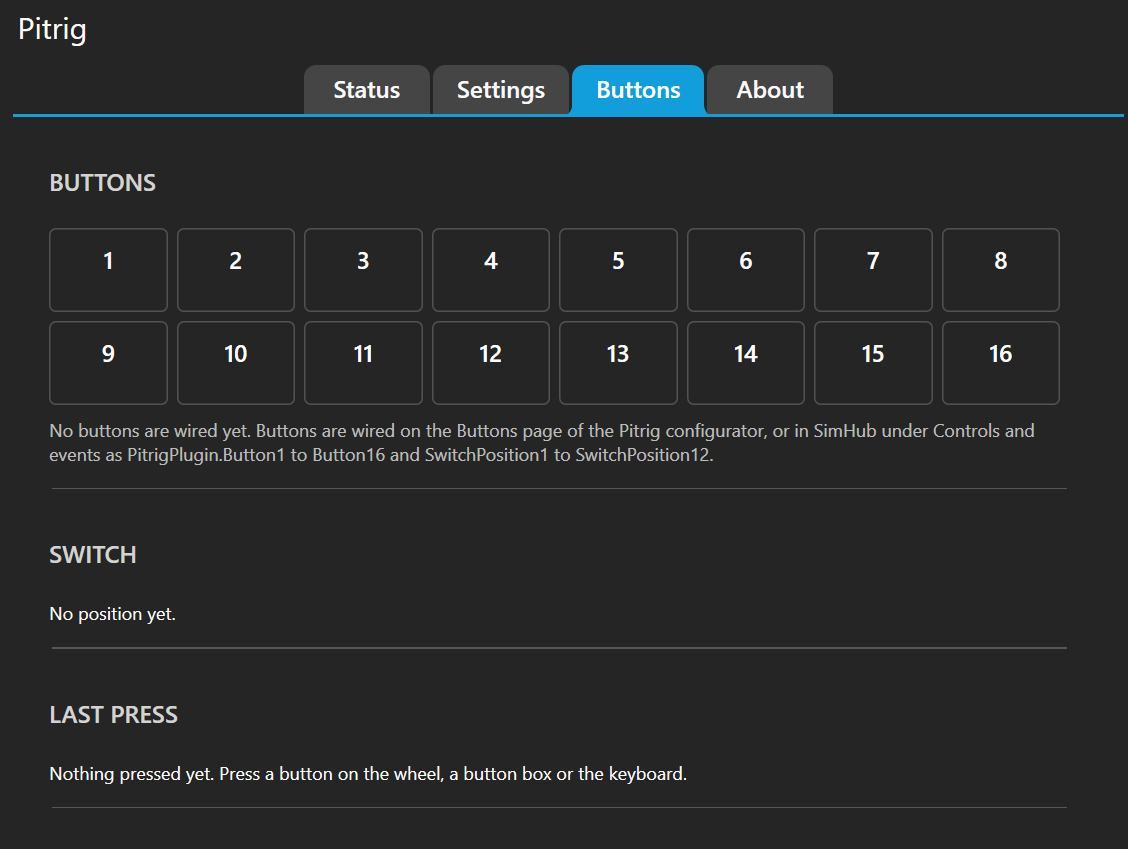
The plugin also carries the buttons on your PC to the board: see Buttons on your wheel.
Keeping it up to date
The configurator carries the plugin that matches it and offers to install it: see Updating the plugin in SimHub.
When nothing moves
- The board shows its dashboard but no values: start a game or a replay. Most values exist only while a game sends them.
- Pitrig is missing from SimHub’s left menu: SimHub has not enabled it. Turn on Pitrig telemetry in SimHub’s settings, in its list of plugins.
- The plugin reports a port used by another program: an old Custom Serial device in SimHub holds the board’s port. Remove that device — the plugin does everything it did.
- A board is shown in safe mode: see Safe mode.
- The Guition ESP32-4848S040 never appears: connect the configurator to it once (above).
More fixes are collected in Troubleshooting.