

LEDs and matrices
Pictures and animations
Draw icons and animations lamp by lamp and frame by frame in the configurator, and play them on a matrix or along a strip with a picture layer.
You draw pictures on the Pictures tab of a device, and a sprite layer puts one on the lamps. Pictures travel inside the configuration, so they need no upload and no restart.
Make a picture
On a strip the section is called Animations: there a picture is one row of lamps, and each frame is a step of an animation along the strip. Add a layer adds a sprite layer that shows the picture, and switches to the Layers tab.
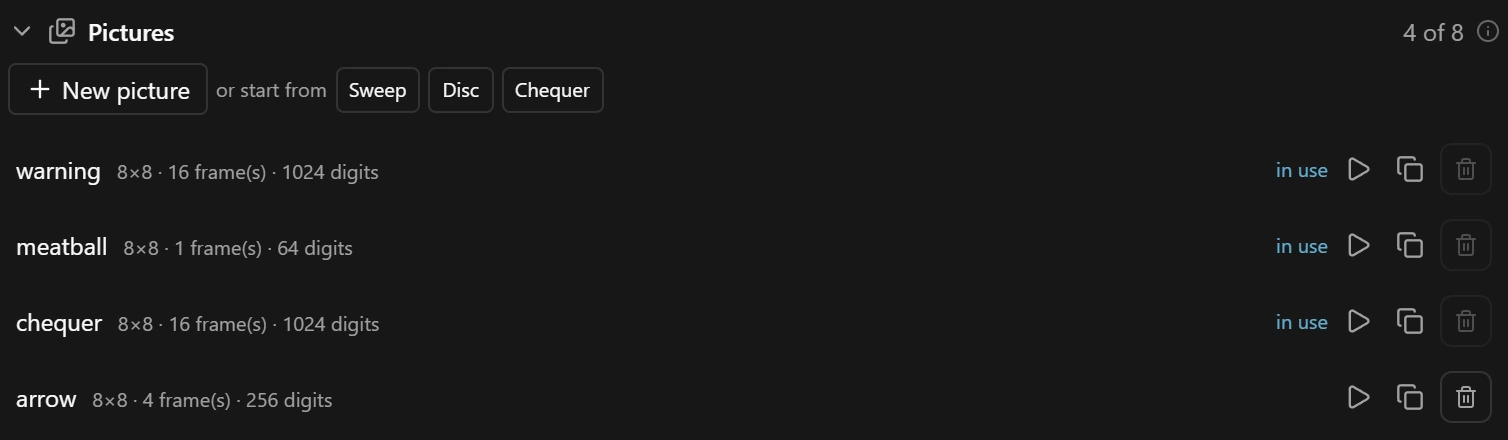
- 1Play: see Show it while you draw.
The patterns are drawn in ten shades of one colour, so changing a few of the picture’s colours, its inks, recolours them. Disc is meant for a matrix: on a strip there is no room for a circle, and it comes out dark or with a single dim lamp.
Draw
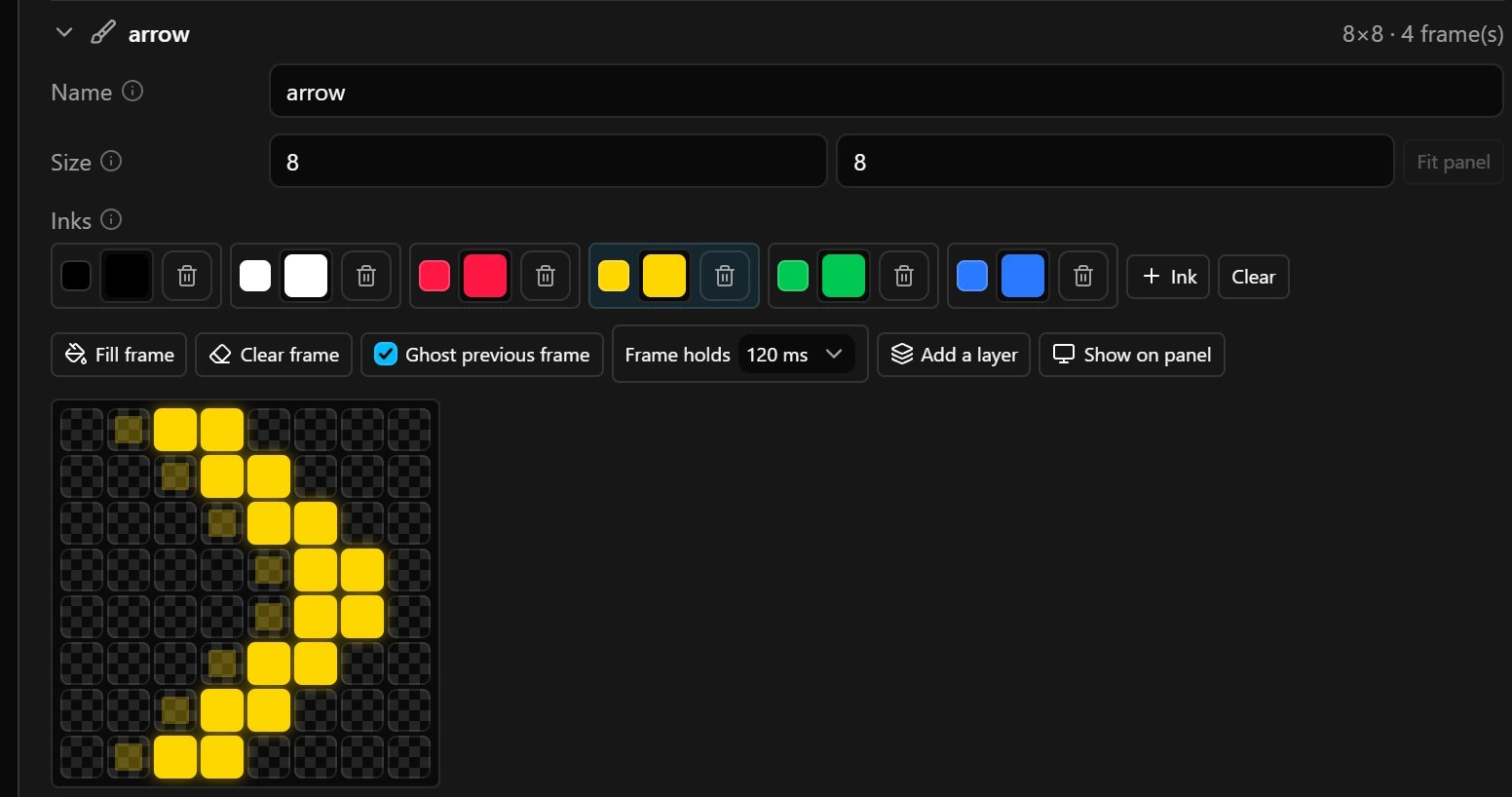
- 1Name: what layers call the picture. Renaming it renames it in every layer that shows it.
- 2Inks: click a swatch to paint with it, the small square beside it to change its colour.
- 3Clear: paints nothing, so the layers below show through.
- 4Frame holds: how long each frame stays when the picture plays here and on the board, and in the layer Add a layer makes. 60 to 1000 ms.
- 5Show on panel: see Show it while you draw.
- A new picture has six inks: black, white, red, yellow, green and blue. Ink 1 is black, an unlit lamp: it paints black over the layers below, while Clear leaves them visible.
- Removing an ink clears every pixel painted with it.
- With a colour rule on its layer, an icon drawn once in white can turn amber or red with the value the layer watches.
Frames
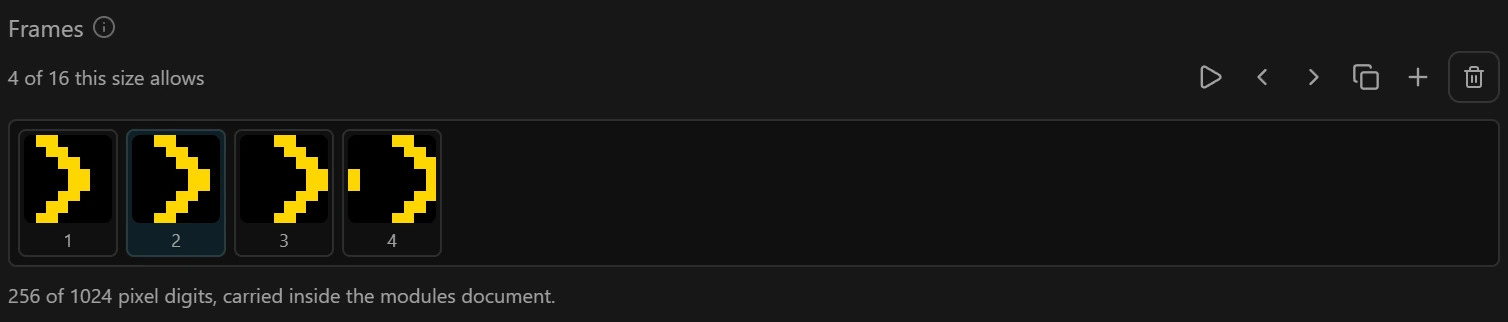
Each picture can hold 1024 pixel digits, one per pixel per frame, and up to 16 frames. An 8 × 8 picture therefore has room for 16 frames, a 16 × 16 one for 4, a strip picture of 64 lamps for 16 and one of 512 lamps for 2. Making a picture bigger drops the frames that no longer fit, from the end. A layer that holds a frame past the new end moves to the last one.
Animations on a strip
On a strip the drawing is a grid with one row per frame and one column per lamp; one stroke can run down several frames. Lamps sets how many lamps one frame spans.
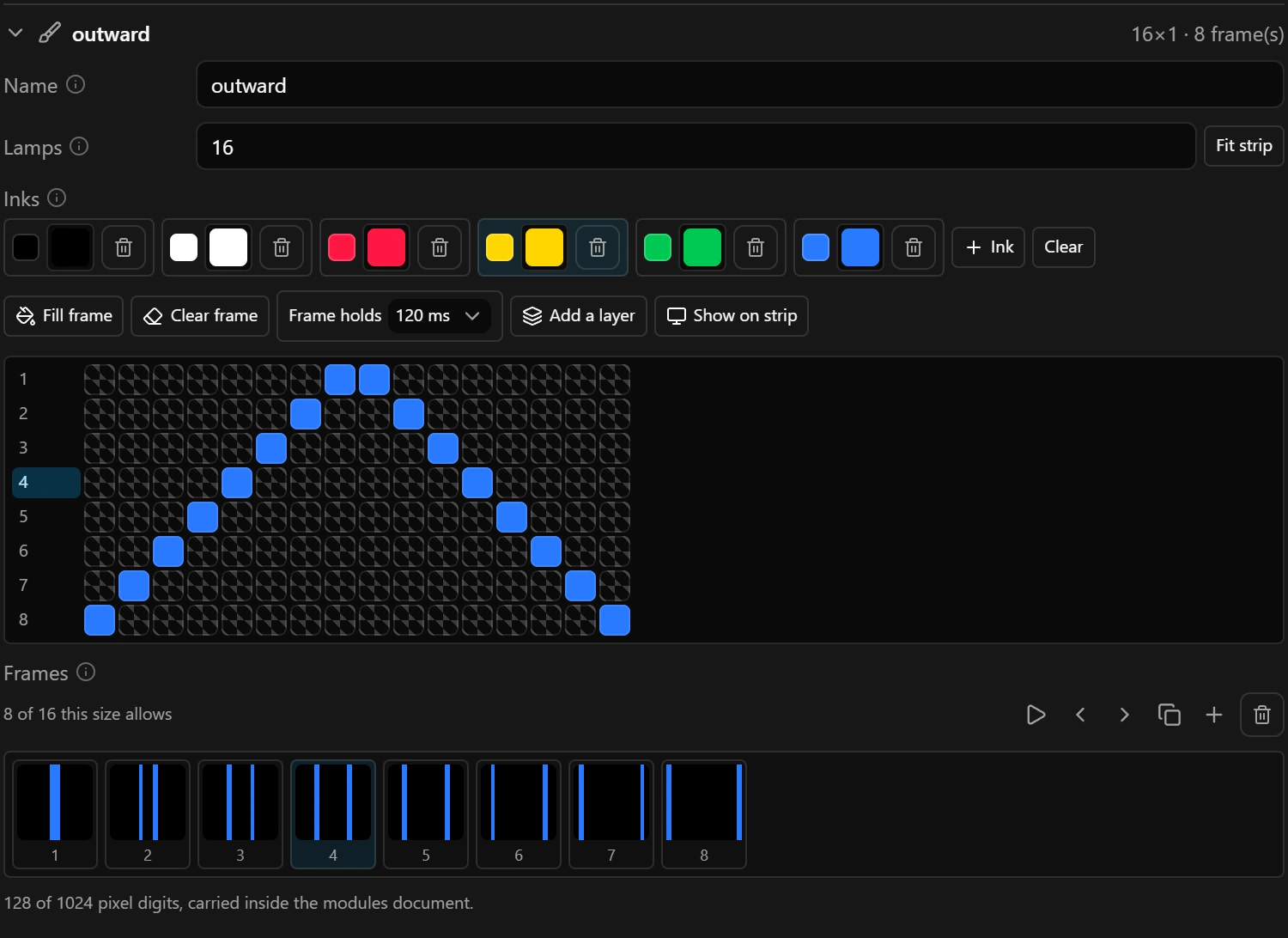
A layer plays a strip picture from the first lamp it covers, in that run’s direction. With Each part on its own, every run plays it from its own first lamp, so one drawing serves both ends of a wheel when the second run goes the other way, as Mirror to the other side sets it up.
Show it while you draw
Show on panel, or Show on strip on a strip, plays the picture on its own on the board while you draw, at the Frame holds speed, and in the preview above the tabs. While it is on, the device shows nothing else. The play button in the list does the same at 120 ms a frame. On the board it needs a board that follows the draft; otherwise the picture plays in the preview only.
How a layer shows a picture
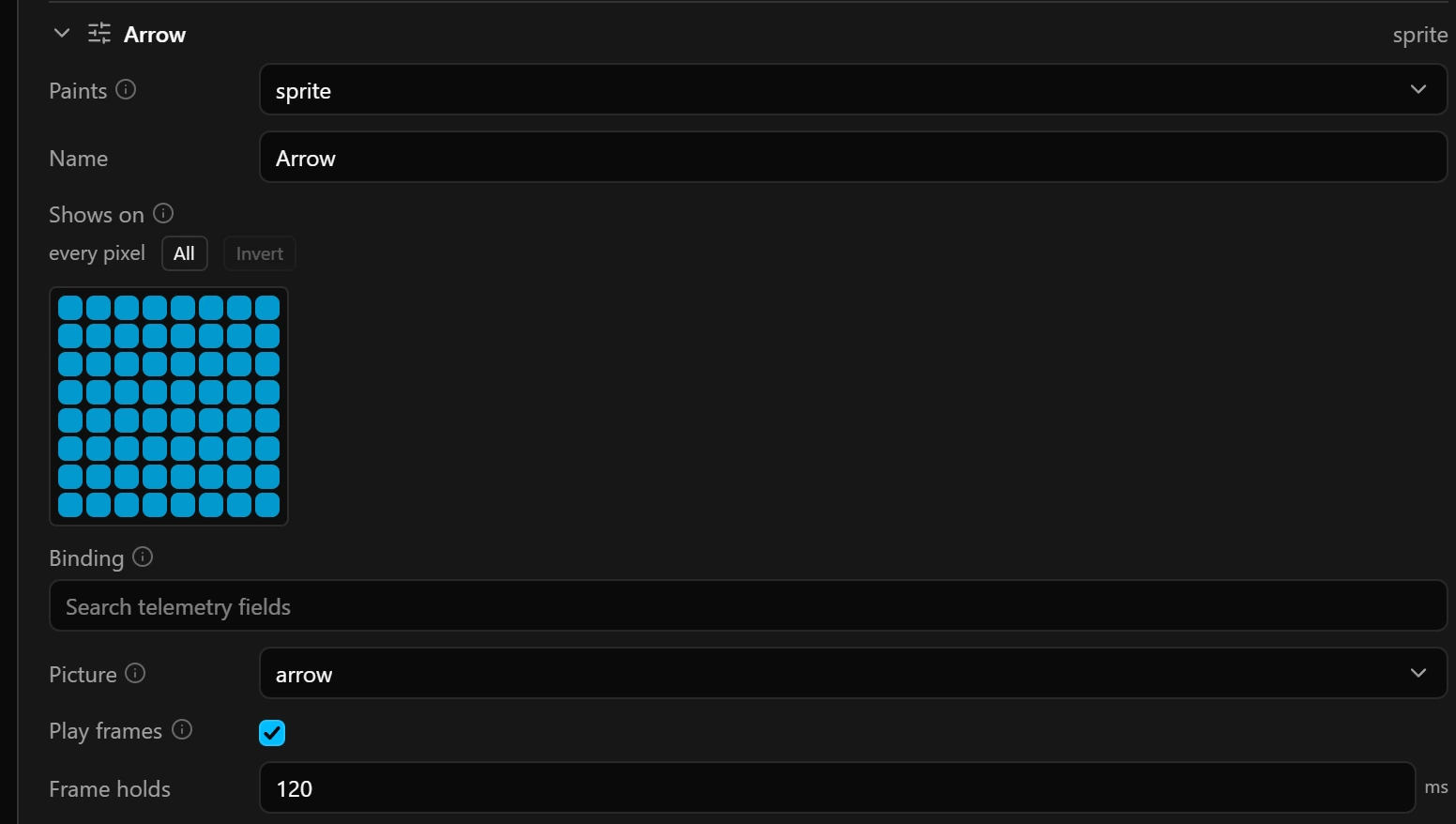
Add a layer on the Pictures tab makes a layer that is named after the picture, covers the whole device, and plays the frames when there is more than one.
| Field | What it does |
|---|---|
| Binding | Optional. With a value bound, the value is the frame number, counted from 0 and rounded: 0 or less shows the first frame, 1 the second, and anything past the end the last. Play frames is then ignored. While the game sends no such value, the layer plays or holds its frames as if nothing were bound. |
| Frames follow the range | Shown once a value is bound: spreads the value over the frames instead, the first frame at the bottom of the range and the last at the top, so a picture drawn as a sequence can follow the revs. See the note below. |
| Frame | With Play frames off, the frame to hold. It counts from 0: 0 is the frame the Pictures tab numbers 1, so a picture of 4 frames takes 0 to 3. A number past the last frame stops the configuration from being saved until you lower it. |
- On a matrix the picture is drawn in the middle of the pixels the layer shows on, more exactly of the smallest box around them, and anything outside them is cut off.
- On a strip a picture shorter than the layer’s lamps leaves the rest to the layers below, and a longer one is cut off at the layer’s last lamp.
- Clear pixels show the layers below, or the layer’s Covers colour when it has one. The layer’s own Colour field is not shown for a picture; colour rules recolour it.
Good to know
- Keep a strip picture no longer than the strip: lamps past its end are never shown. Above 512 lamps it cannot be saved at all, although Lamps accepts up to 1024.
- There is no undo key on the Pictures tab. Switch to the Layers tab and press Ctrl+Z (Cmd+Z on a Mac) there: each stroke is one step, and undo covers every tab.
- A picture in use cannot be removed. Remove or change the layers that show it first; the in use mark goes away with the last of them.
- Drawing takes time: save as you go.
Limits
| What | Limit |
|---|---|
| Pictures per strip or matrix | 8 |
| Picture on a matrix | 1 to 16 columns and 1 to 16 rows |
| Picture on a strip | 1 to 512 lamps, one row |
| Frames per picture | 16, with no more than 1024 pixel digits in all |
| Inks per picture | 15, plus clear |
| Name | 31 characters |
| Frame holds on a layer | 50 to 60 000 ms |
| All strips and matrices with their layers and pictures, and the button wiring | 32 KB: the configurator does not add a picture, frame, ink or layer that would go past it |